 Zoomosaic
Check product and campaign images before they go live
Before a launch, someone has to check hundreds of product shots and banners: right sizes, no duplicates, consistent backgrounds, nothing missing. Zoomosaic shows the whole delivery on one canvas and lets you sign it off from the keyboard.
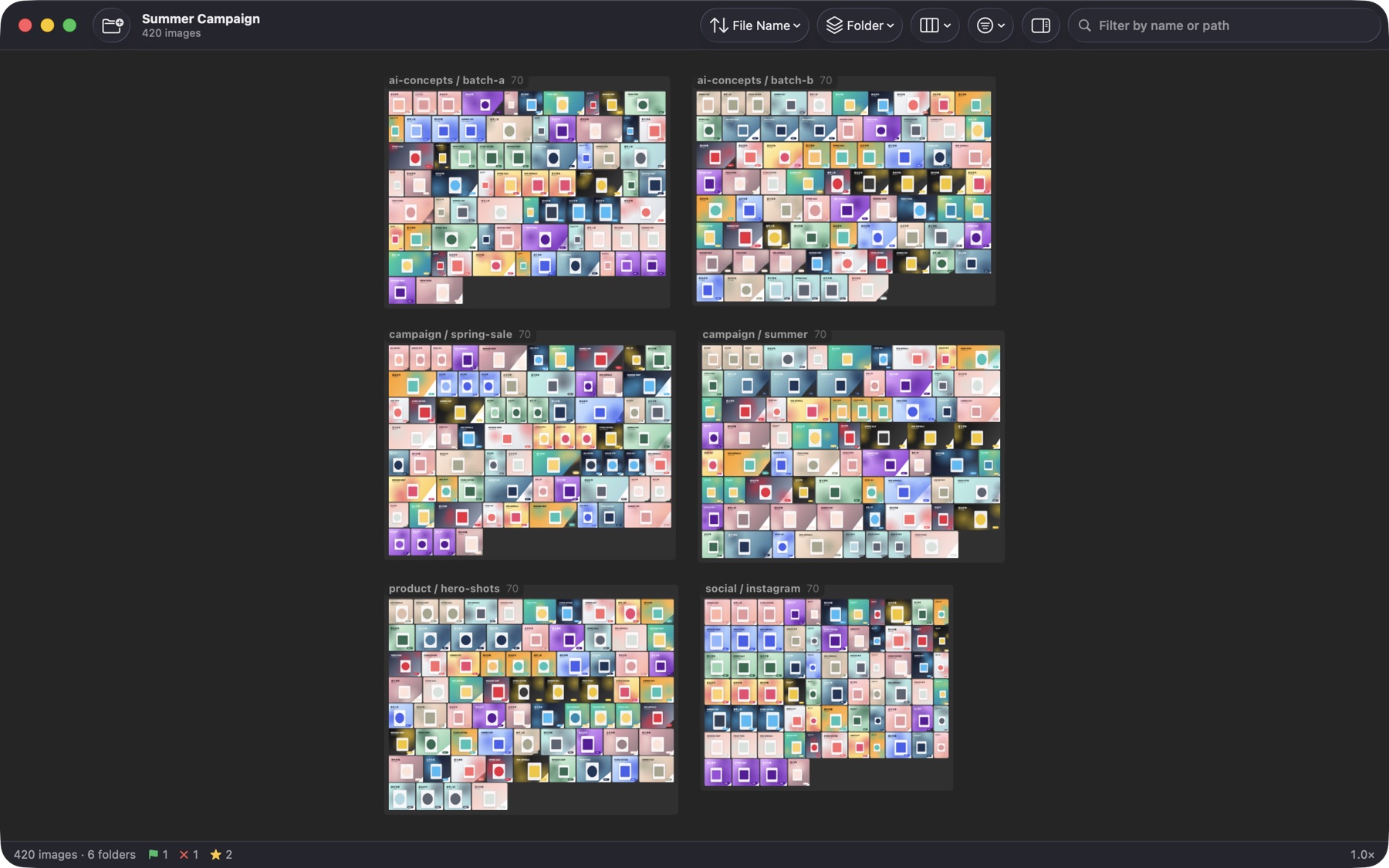
Marketplaces and campaigns come with strict specs. Problems that are invisible in a file list are obvious on a wall: a banner at the wrong aspect ratio, the same product shot uploaded twice, a background that is slightly off-white, a color that doesn't match the rest of the set.
Zoomosaic groups the delivery by the property you are checking, so the exceptions stand out on their own.
A QA pass for a delivery
- Drop the delivery folder onto Zoomosaic. Group by Folder and each SKU, channel or vendor folder becomes its own island.
- Group by Same Dimensions: each pixel size gets its own group with the dimensions in its title, so off-spec images stand out.
- Group by Orientation to catch portrait images where landscape was expected, and by Similar Sets to catch duplicates.
- Sort by Color or switch the canvas to white to check backgrounds and palette consistency.
- Mark approvals with P and problems with X, then export a review CSV for the designer and copy the approved files to the upload folder.
Tips
- After the designer replaces files, press ⌘R to reload. Your selection and focus are kept.
- With Pro, add the previous delivery to the same canvas to compare versions side by side.
- ⌥-drag a problem image straight into Slack, Teams or a messaging app to explain the fix.
Questions and answers
What does the review CSV contain?
One row per marked image with its path, file name, width, height, file size, rating, flag, color label and the group it was in.
Can it check exact pixel sizes?
Yes. Group by Same Dimensions to see every size present, and the inspector shows the exact dimensions and file size of any image.
Can several reviewers share marks?
Marks are stored on each Mac. To share results today, export the review CSV or copy the approved images to a shared folder.